
Set Up Your BuzzCard
You’re just a few taps away from accessing campus. Follow the six steps below to enable your BuzzCard. If you’ve already submitted a photo, you can skip directly to step 2.
How to Set Up Your BuzzCard
Find a fitting photo for your BuzzCard and submit it online for approval.

Select Georgia Institute of Technology and login using single sign on.

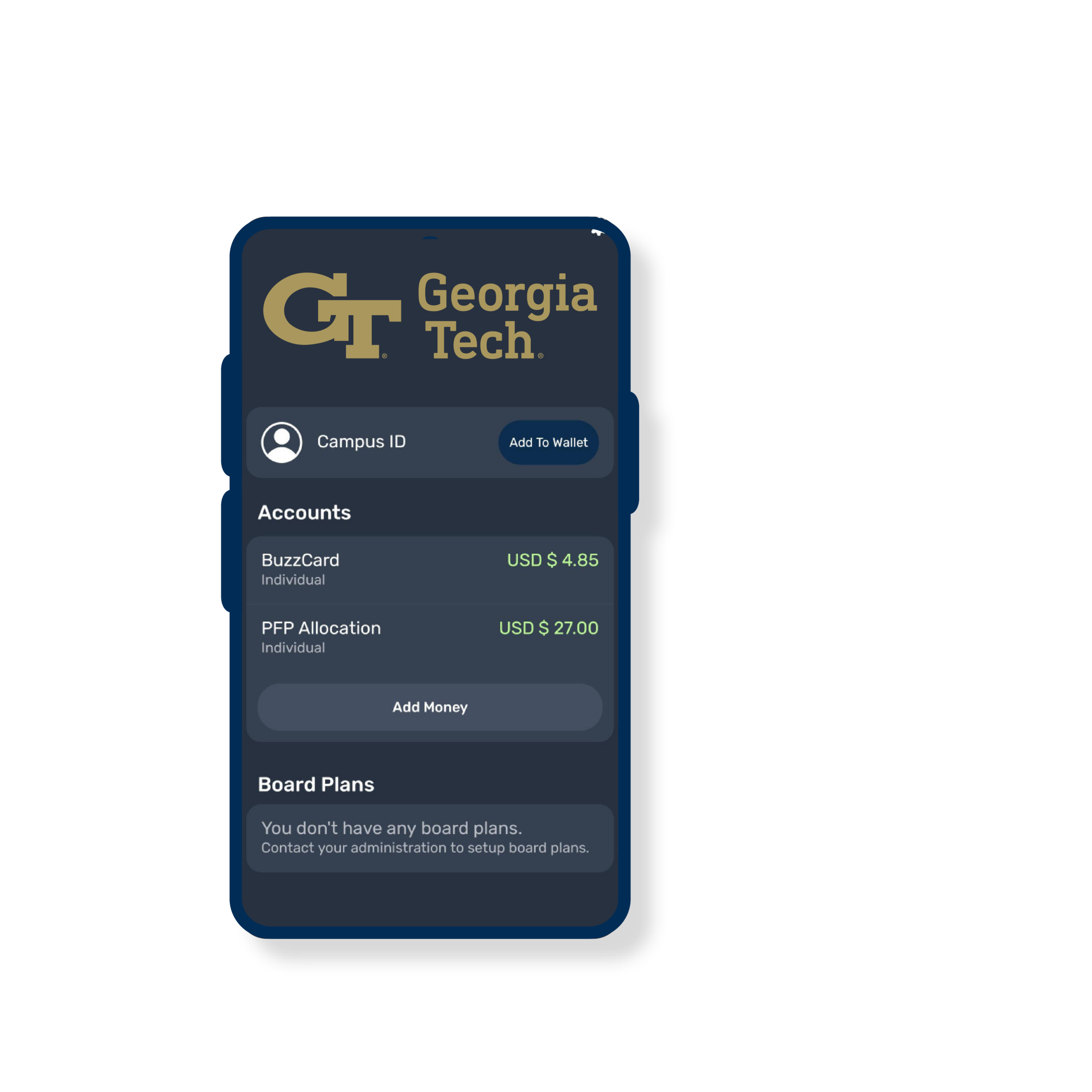
Click “Add to Wallet” to add campus ID to digital wallet.
Find a fitting photo for your BuzzCard and submit it online for approval.
Select Georgia Institute of Technology and login using single sign on.
Click “Add to Wallet” to add campus ID to digital wallet.
The digital BuzzCard is currently available only to incoming students, faculty, and staff. Returning students will have the opportunity to transition to a digital BuzzCard later this fall. Please note that you cannot have both a physical BuzzCard and a digital BuzzCard active at the same time.
Getting started with your Digital BuzzCard is easy, but the setup process can vary depending on the type of device you use. Before activating your credential, review the user guide for your specific mobile wallet to ensure your device meets compatibility requirements and to follow the correct setup steps.